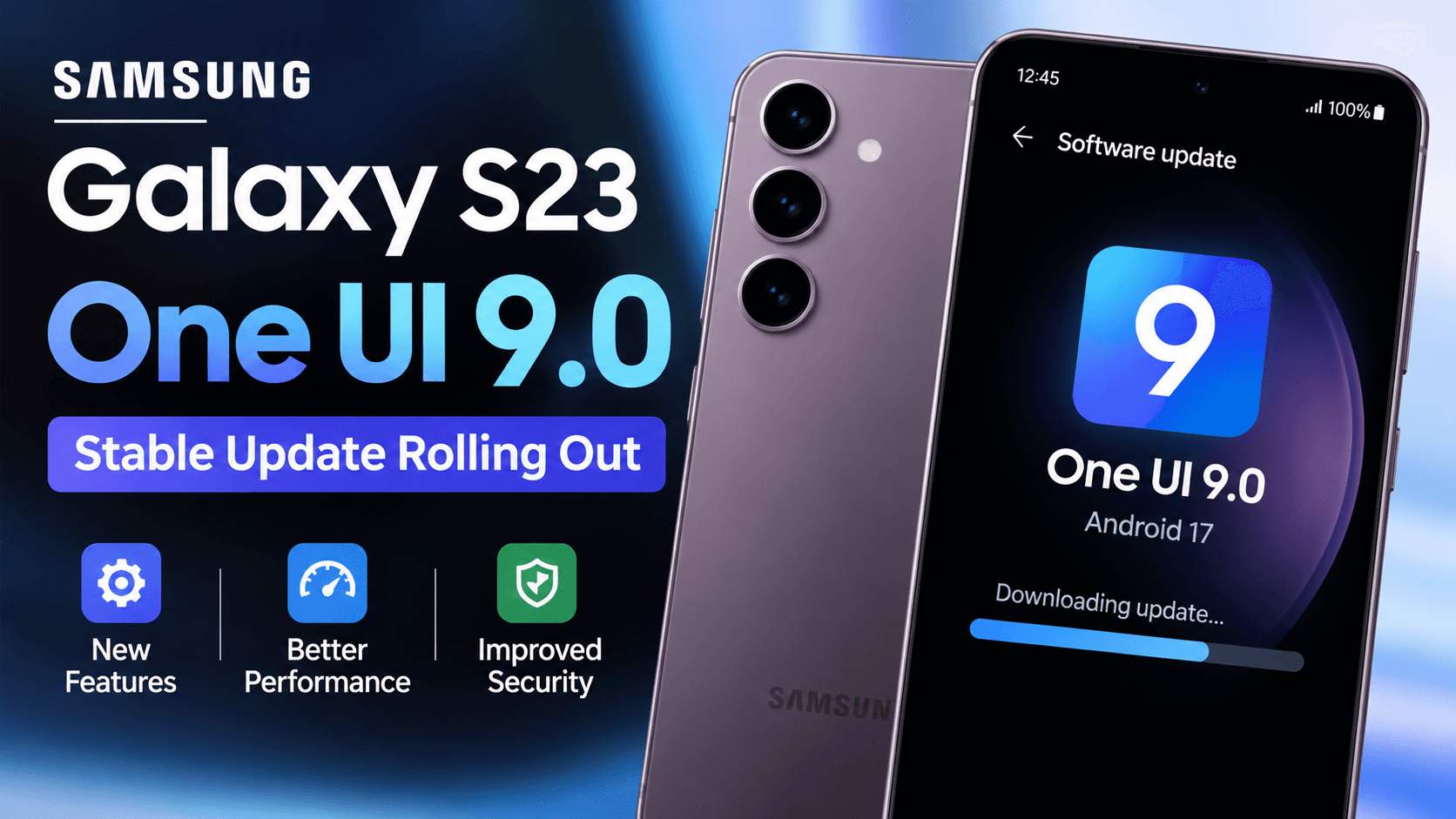
Samsung has started distributing the stable, Android 17-based One UI 9 update to selected Galaxy devices. The initial rollout reported for the Galaxy S23, Galaxy S23+ and Galaxy S23 Ultra was in South Korea. The update is also reported for the Galaxy Z Fold5 and Galaxy Z Flip5.
How to check for the update
On your Galaxy phone, open Settings, select Software update, then tap Download and install. If the update is available for your device and region, follow the on-screen instructions. Back up important data and connect to Wi-Fi before downloading a large update.
Update size and availability
Reported download sizes differ depending on whether a device was enrolled in the beta programme: beta users may receive a smaller package, while devices moving from an earlier stable release may need a much larger download. The size and timing can vary by model, carrier and region.
The rollout being reported in South Korea does not confirm availability in India. If your phone does not show the update, check again later rather than installing unofficial firmware.
What users should know
Install updates only through the phone’s official software-update settings. A staged rollout can take time to reach every eligible device, and exact features may vary by model.